I recently whipped up a demo for how to display analytics from an external source (like Google Analytics) inside of CloudCannon’s editing interface. The goal was that editors could see this data inside of CloudCannon and other team members with the site password could view it - without end-users visiting the site having access to it.
The demo is publicly available on GitHub here.
The README on that repo goes into detail, but at a high level:
-
Two CloudCannon sites; one is an editing site (staging) and one is the production site (main)
- The editing site publishes to the production site in CC
- The cloudvent.net url for the editing site is protected behind a password, so end users without the pw can’t visit it and see any analytics pages, or the JSON file containing the analytics data
-
During the build process, fetch data from GA and save it into a JSON file
- We can use env variables stored in CC during the build, and keep them secret, for our secret key for fetching the GA data
-
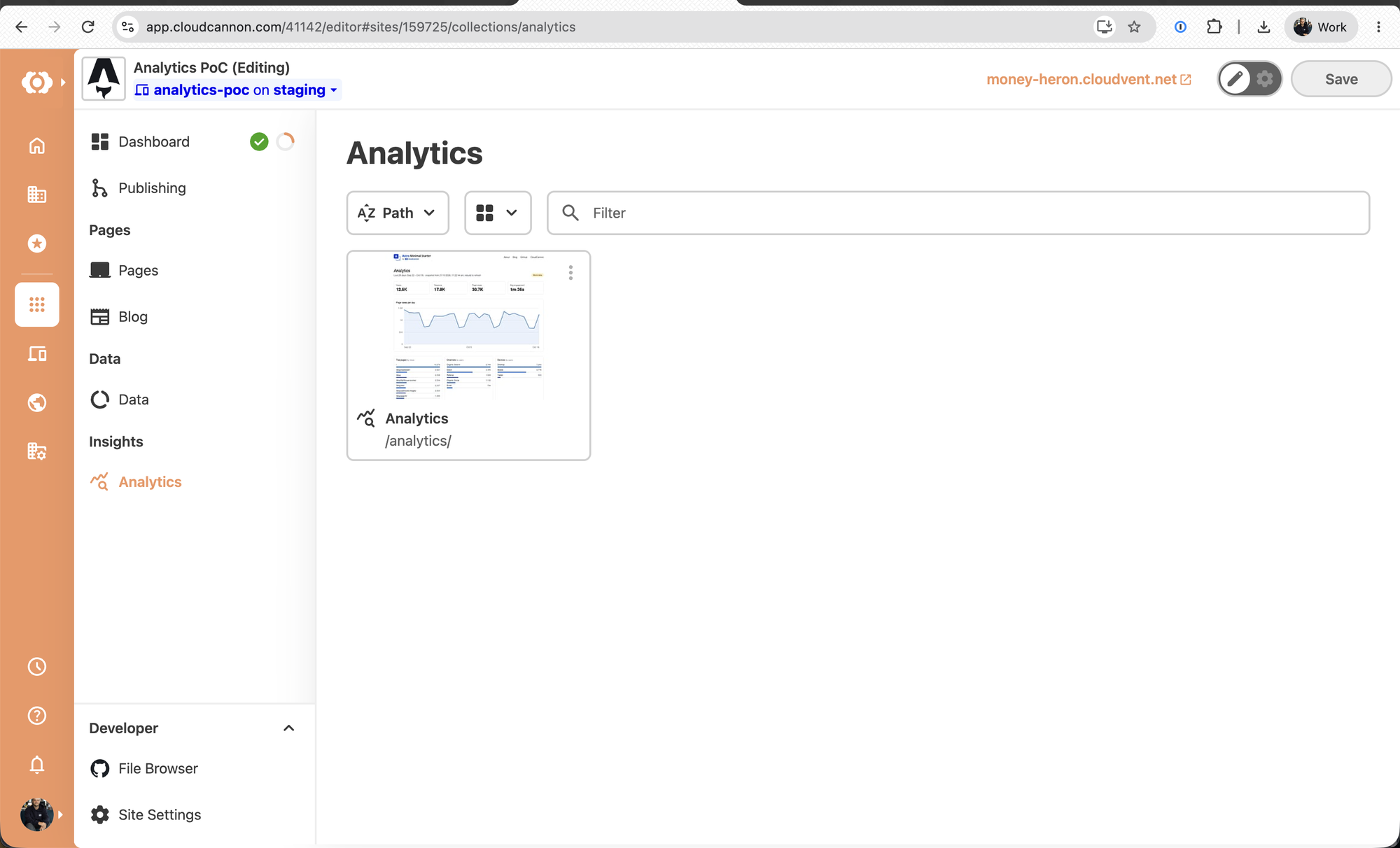
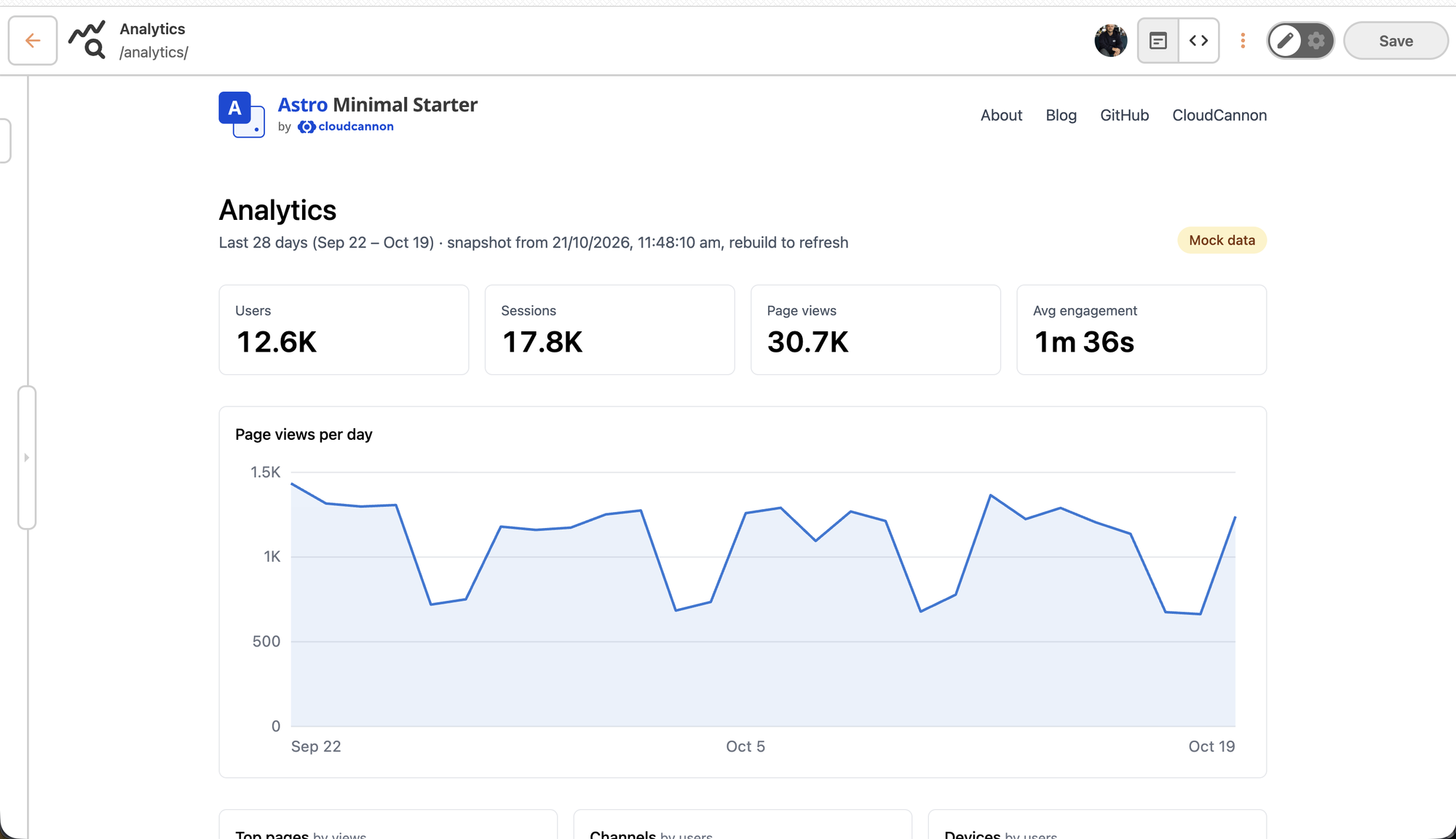
On the editing site, we build an /analytics/ page with all of the data we’ve fetched turned into a nice dashboard for our editors
-
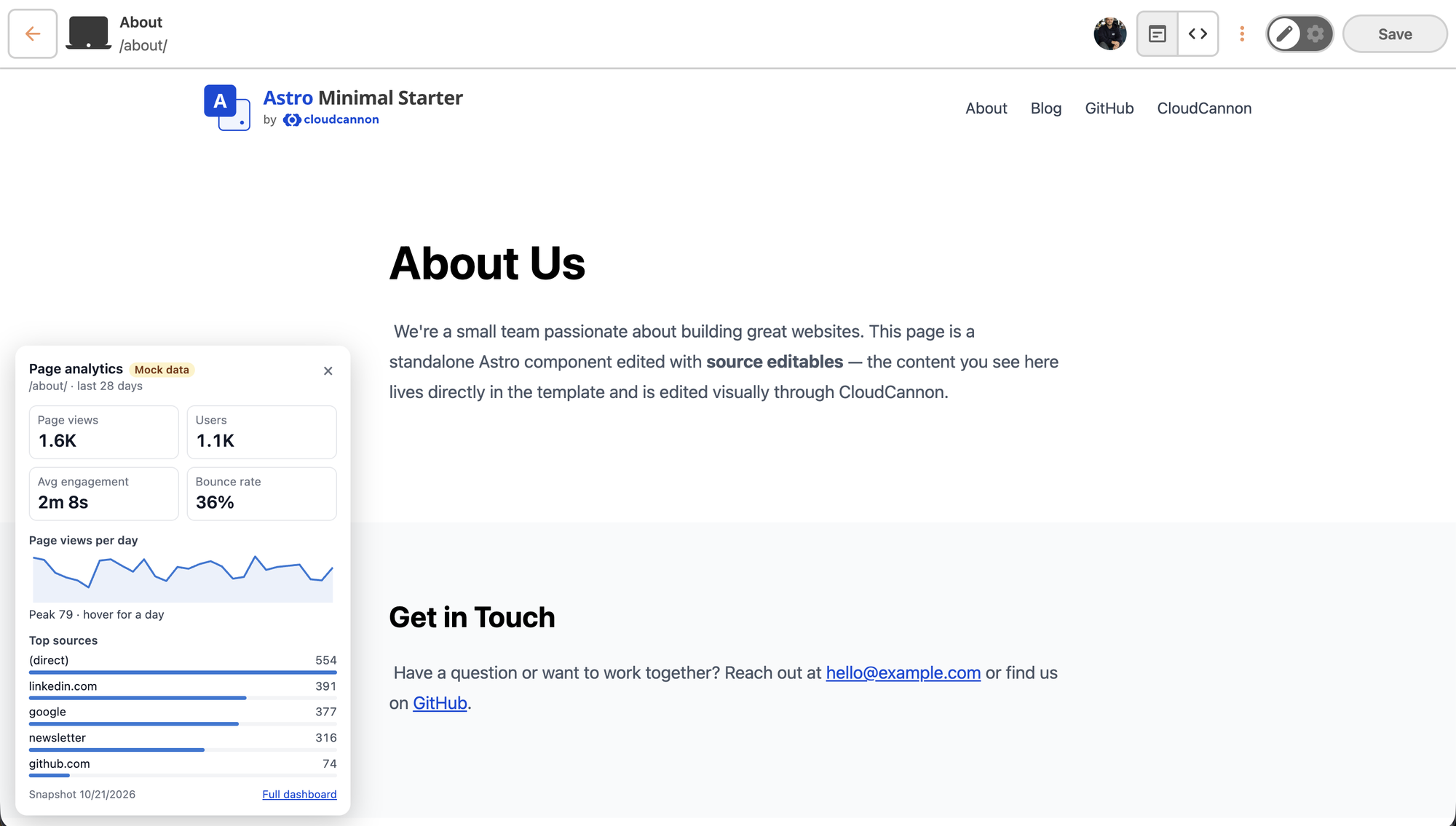
On each individual page in the Visual Editor on the editing site, we can filter down the fetched GA data to per-page info, and display a toggle button for showing GA stats for a page
-
On the production site, we don’t build the /analytics/ page, fetch the data, or display per-page analytics in the visual editor. You can control this behavior by looking for an env variable, and if not found, run the prod build rather than a build with all of this analytics stuff in it.
Happy to answer any questions. Also keen to hear if anyone else has built anything like this, or has any ideas for cool things to try build in future.
Tom